Introduction
Welcome to the TimeSlider Set plugin documentation.
This solution simplifies complex keyframe tasks and dramatically improves the animator’s workflow.
Included Tools
1. TimeSlider Set Toolbar
A production-grade solution for managing “Sets” on your TimeSlider. It allows you to create custom selections of controls and instantly “mask” the TimeSlider to show only their keys, regardless of what you currently have selected.
2. Smart Keyframe Navigator
A system that intelligenty navigates keyframes by detecting your mouse position. It uses the Timeline logic when over the TimeSlider, and Graph logic when over the Graph Editor. It features “Sticky” memory, so your navigation context is preserved even when working in other panels.
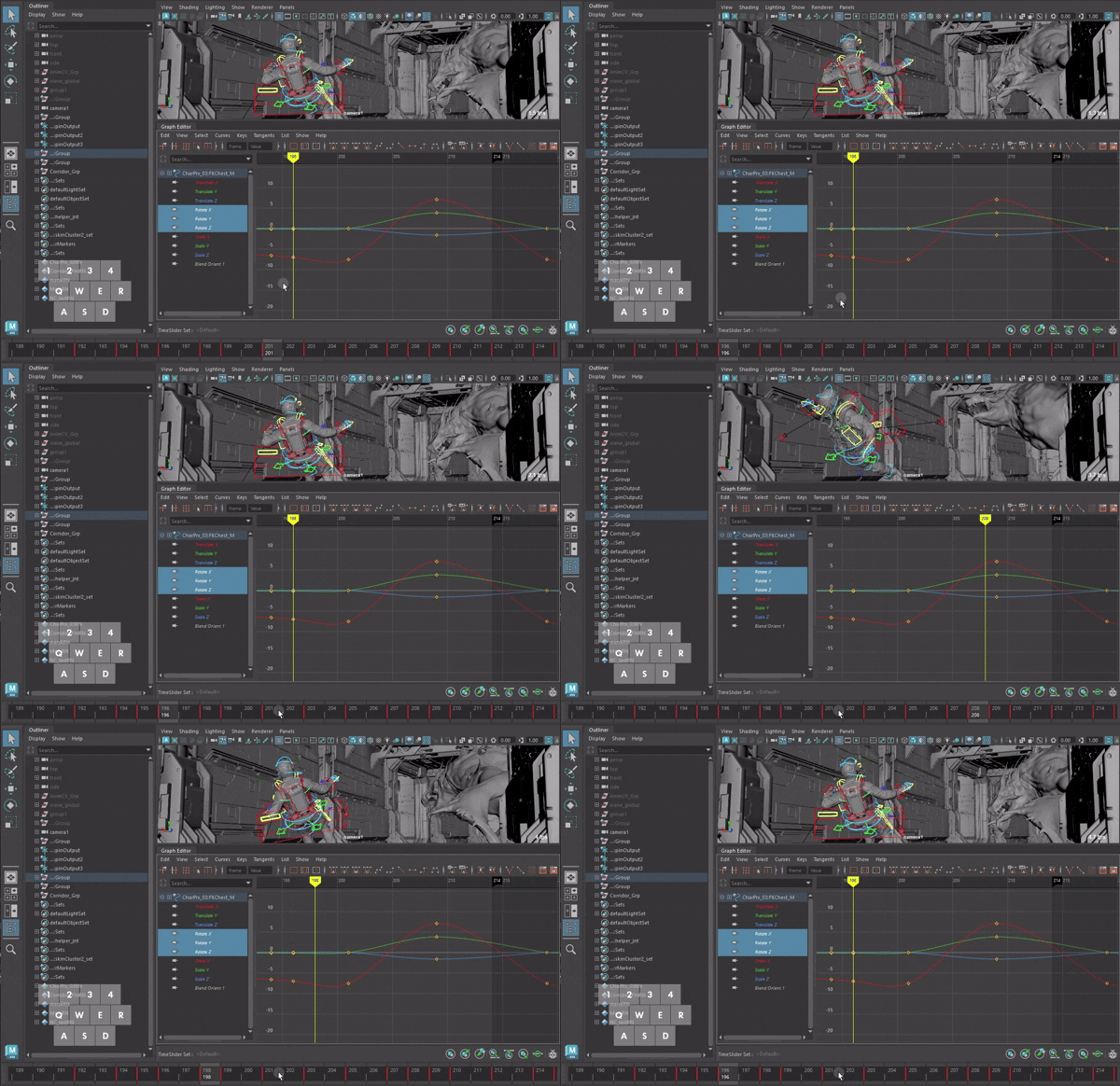
- Over TimeSlider: Navigates based on keys visible on the TimeSlider.
- Over Graph Editor: Navigates based on keys on the Graph Editor curves.
Why do you need this tool?
The Pressure of Dense Keyframes and Cluttered Graphs
During complex character animation or after simulation baking, not only the TimeSlider but also the Graph Editor becomes overwhelmed with dense keyframes.
TimeSlider Set cuts through this chaos by keeping only the essential keyframes of the controllers you want, effectively excluding unnecessary simulation keys from your view.
To become a skilled animator, one often faces the need to memorize exactly where important key poses are located.
My hope is that through this tool, an animator’s energy can be spent on ‘creating perfect poses’ rather than ‘hunting for keyframes’.
Leave the unnecessary navigation comfortably to TimeSlider Set, and focus your attention entirely on your Key Poses.
Core Philosophy
“Independent, Non-destructive Timeline for Animators”
TimeSlider Set offers a non-destructive workflow designed solely for the animator’s visual convenience and timeline management.
While Maya’s default timeline constantly syncs to your realtime selection, this plugin breaks that dependency. By capturing the state of your desired controllers into a Set and locking it to the TimeSlider, you ensure that only your designated Key Poses remain visible on the timeline—regardless of what you select in the viewport.
This allows you to use Smart Keyframe Navigator to move freely and clearly between your desired poses, even amidst the chaos of dense, baked keyframes.